
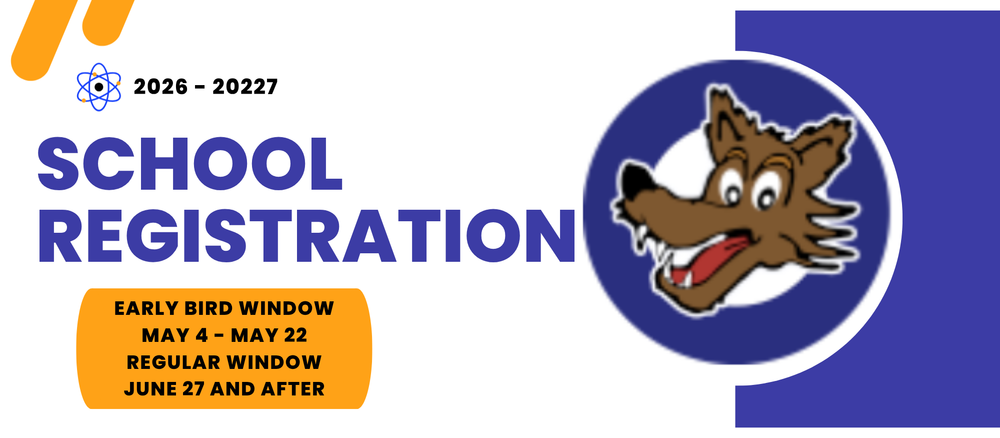
Registration is the annual process of providing and updating student and family information on file, including emergency contacts, health information and more. ALL STUDENTS MUST COMPLETE REGISTRATION EACH YEAR!
To register online, sign in to the Parent Portal, click on “See All Apps”, then click on “Online Registration” to verify or update your student’s information. Online registration can only be completed by the parent/guardian listed in the primary household of the student record.
The “Early Bird” Window: May 4-22
Regular Window: July 27th and after
Click here for frequently asked questions and registration guides:
https://schoolchoice.dpsk12.org/enrollment/online-registration/
Full picture walk though of how to complete registration: https://docs.google.com/document/d/1mbbPXXYSFRg2ai-5Kf2ML3Ck7oUeFTBvgDoY97F-33E/view?tab=t.0
Step 1: Complete Online Registration
Go to Parent Portal
Type in username and password to log in. If you do not have a parent portal username and password, create an account using your student’s ID number. Email Ms. Cantu (melissa_cantu@dpsk12.org) or Ms. Mosley (nastassia_mosley@dpsk12.org) for this number if you don’t have it.
You can also find your student’s ID number here: https://studentidretrieval.dpsk12.org/At the top left, click on “see all apps” (the second tab from the left)
Scroll to the very bottom and click on “online registration”
That will take you to Infinite Campus with a green bar across the top
On the far left menu, at the very bottom, click on “more”
Then click on the 9th option down is “online registration” and that should take your to your child’s screen for you to complete registration
Whew you did it!
Questions about registration can be sent to Ms. Cantu (melissa_cantu@dpsk12.org) or Ms. Mosley (nastassia_mosley@dpsk12.org)
Step 2: Medical Form/Plan: If your child has allergies or a medical condition, please have the child’s medical professional complete the appropriate health form(s).
Step 3: New to DPS: If your student is new to Denver Public Schools (ECE, kindergarten or transferring from private school or outside of the district), please complete the Home Language Questionnaire (HLQ).
Step 4: Submit Documents/Forms: To submit requested documents/forms or if you have any questions, e-mail Ms. Cantu (melissa_cantu@dpsk12.org) or Ms. Mosley (nastassia_mosley@dpsk12.org). Be sure to include your child’s name in the subject line of the email.